Overview
Media and interactive design support learning by helping students understand, organize, and apply complex information in ways that text alone often cannot. Rather than replacing course content, these resources complement readings and instruction by using information design principles to simplify difficult topics, illustrate relationships and processes, reinforce key concepts, and reduce cognitive load. Interactive experiences, such as scenarios, simulations, and knowledge checks, encourage students to actively engage with the material, apply what they have learned, and receive meaningful feedback. Every media asset and interactive should have a clear instructional purpose, align with the course’s learning objectives, and be designed to improve comprehension, engagement, and overall student success.
When to Use
Complex Concepts
Explaining abstract or difficult ideas through visuals or animation
Processes and Workflow
Demonstrating sequences, systems, or step-by-step procedures
Real-World Application
Connecting course concepts to authentic situations and professional practice
Relationships and Comparisons
Showing how ideas, components, or data relate to one another
Practice and Decision-Making
Allowing students to apply knowledge through scenarios and interactive activities
Student Success
Supporting navigation, expectations, milestones, and academic success throughout the course
Structure & Components
Media is most effective when it is intentionally structured to guide learners through information in a clear and meaningful way. Rather than presenting information as a single visual or video, media should be composed of purposeful components that work together to support learning. Depending on the instructional goal, these components may include titles, labels, callouts, diagrams, icons, illustrations, photography, animation, narration, interactive elements, or opportunities for reflection and practice. Each component should have a clear instructional purpose, reinforce the learning objective, and contribute to a cohesive experience that helps students process information efficiently and focus on what is most important.
Content Guidelines
Best Practices
The Lead Media Strategist will partner with you throughout the media planning process and can often take the lead on many of the best practice guidelines outlined below. Through collaboration with the SME and Instructional Designer, the strategist will help identify opportunities where media can improve learning, recommend appropriate media types, and ensure each asset is instructionally effective, accessible, and aligned with the course’s learning objectives.
- Ensure the media supports one or more course or module learning outcomes.
- Focus on concepts that are difficult to explain through text alone.
- Use visuals to simplify complex ideas, relationships, processes, or decision-making.
- Present only the information learners need to accomplish the instructional objective.
- Organize content into logical, easy-to-follow sections using clear visual hierarchy.
- Use examples, scenarios, or authentic contexts to reinforce understanding.
- Design media to complement existing readings and instructional materials rather than duplicate them.
Avoid
- Creating media solely because a topic seems “important.”
- Repeating large amounts of text already found in the course.
- Including decorative images that do not contribute to learning.
- Overloading visuals with excessive text, graphics, or competing information.
- Combining multiple unrelated learning objectives into a single media asset.
- Adding animation, transitions, or effects that distract from the instructional message.
- Using media when a simple paragraph or existing resource communicates the concept more effectively.
Examples
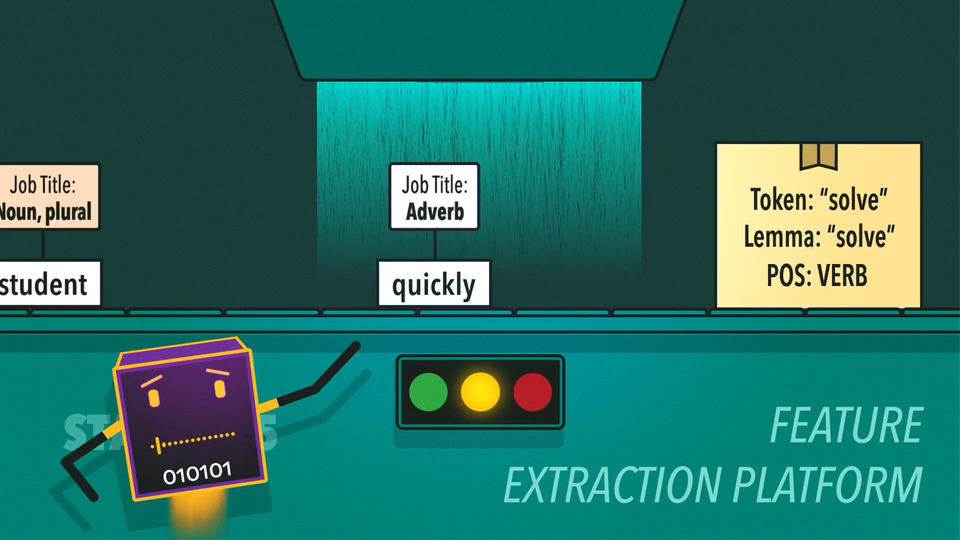
From Sentence to Signal
Animation that shows how computers understand, interpret, and generate human language.
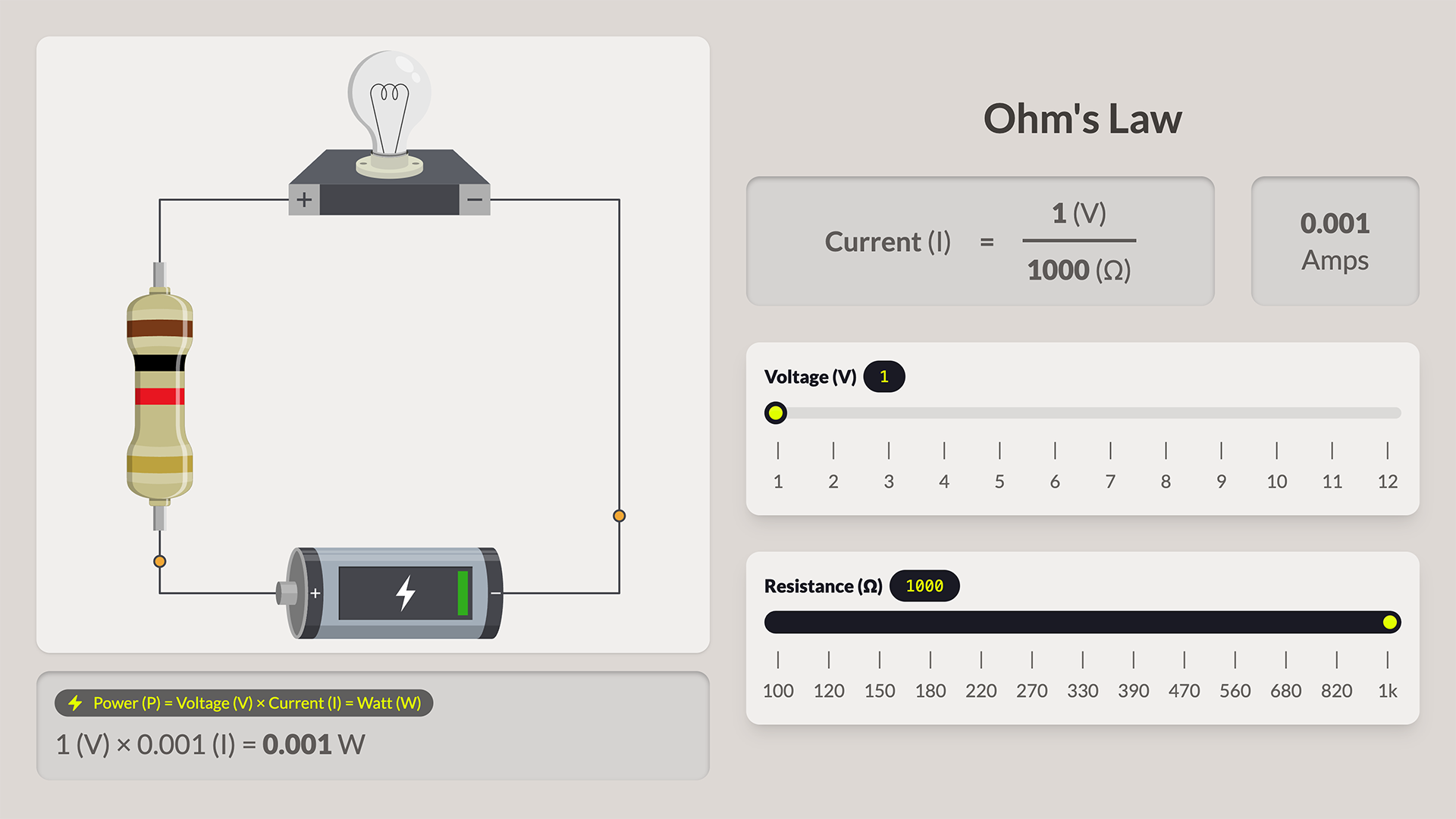
Ohm’s Law
Experiment with voltage and resistance to visualize current and power calculations interactively.
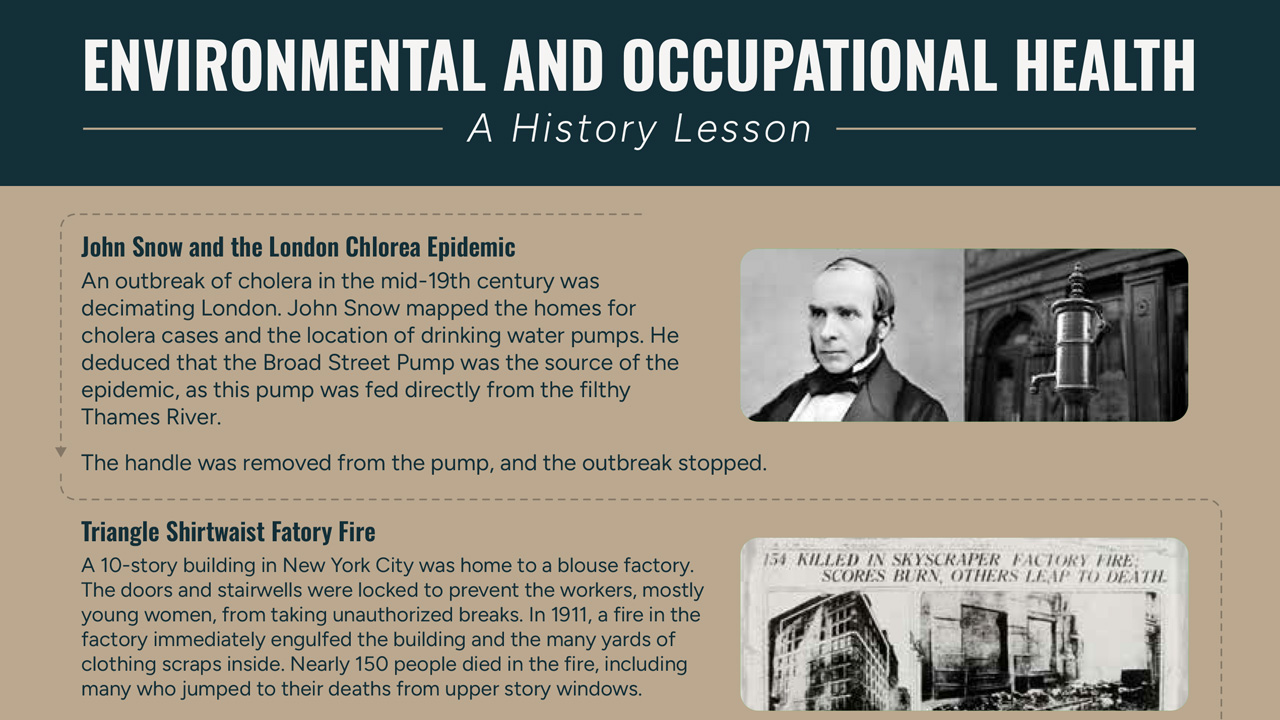
Occupational Health
Explore historical events that shaped modern environmental and occupational health practices.
Roles and Responsibilities
| Task | SME | ID | Media |
|---|---|---|---|
| Media Ideation | Collaborate | Collaborate | Lead |
| Create Media Plan | Inform | Inform | Lead |
| Develop Media | Collaborate | Collaborate | Lead |
| Review and Approve Media | Lead | Collaborate | Collaborate |
| Implementation | Inform | Collaborate | Lead |
AI Use Policy
Course Development (SME/ID/Media)
Acceptable Use
- Generating initial concepts for graphics, animations, videos, or interactive learning experiences for SME and ID review.
- Creating low-fidelity mockups, wireframes, or storyboards to communicate design ideas before development.
- Producing high-fidelity visual mockups to explore layout, style, color, and overall aesthetic direction.
- Drafting narration, scripts, or storyboard content for review and refinement by the SME and Instructional Designer.
- Brainstorming visual metaphors, analogies, and information design approaches for explaining complex concepts.
- Developing prototype interactions or code for interactive learning experiences, provided all code is reviewed and validated by a developer before implementation.
- Assisting with HTML, CSS, JavaScript, or other development tasks to accelerate interactive media production, with required developer review.
- Suggesting alternative approaches for presenting information through graphics, animation, video, or interactive media.
- Generating transcripts, captions, alt text, image descriptions, or other accessibility materials as a starting point for human review and refinement.